
Your card, in the wallet you already carry.
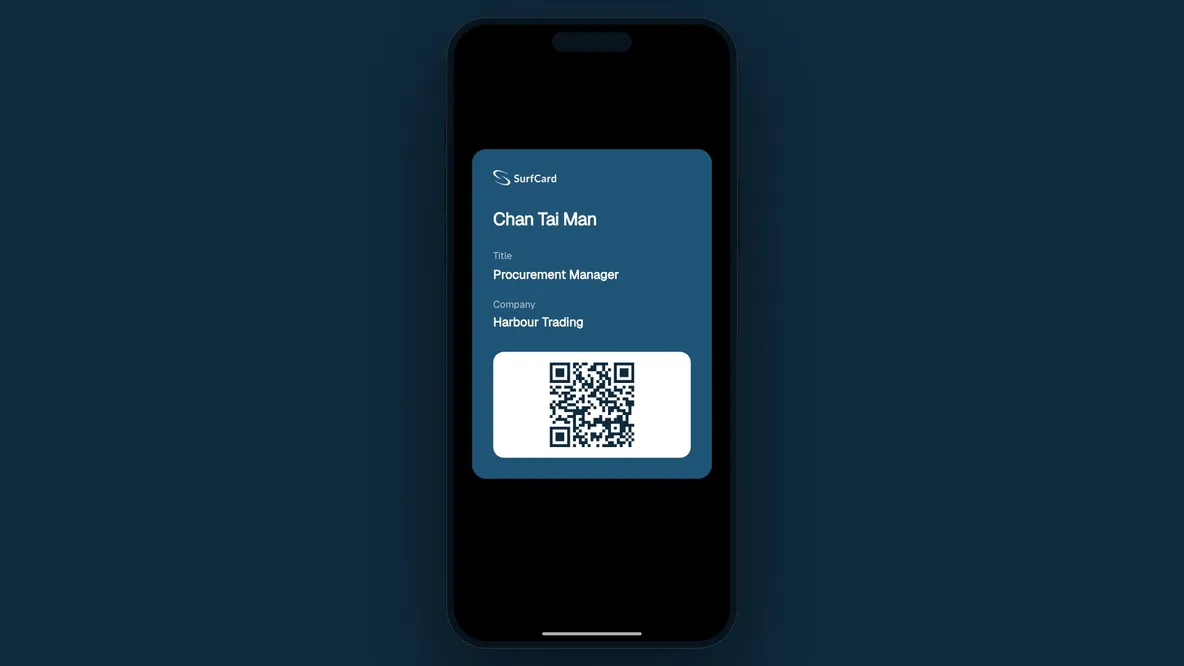
Add your SurfCard to Apple Wallet or Google Wallet. Open the pass and show its QR code when someone asks for your details.
The card is always in the other jacket.
When your card is elsewhere, keep a QR code ready in your phone’s wallet. Open the pass to share your profile or offline contact details.

Choose how to share from your wallet.
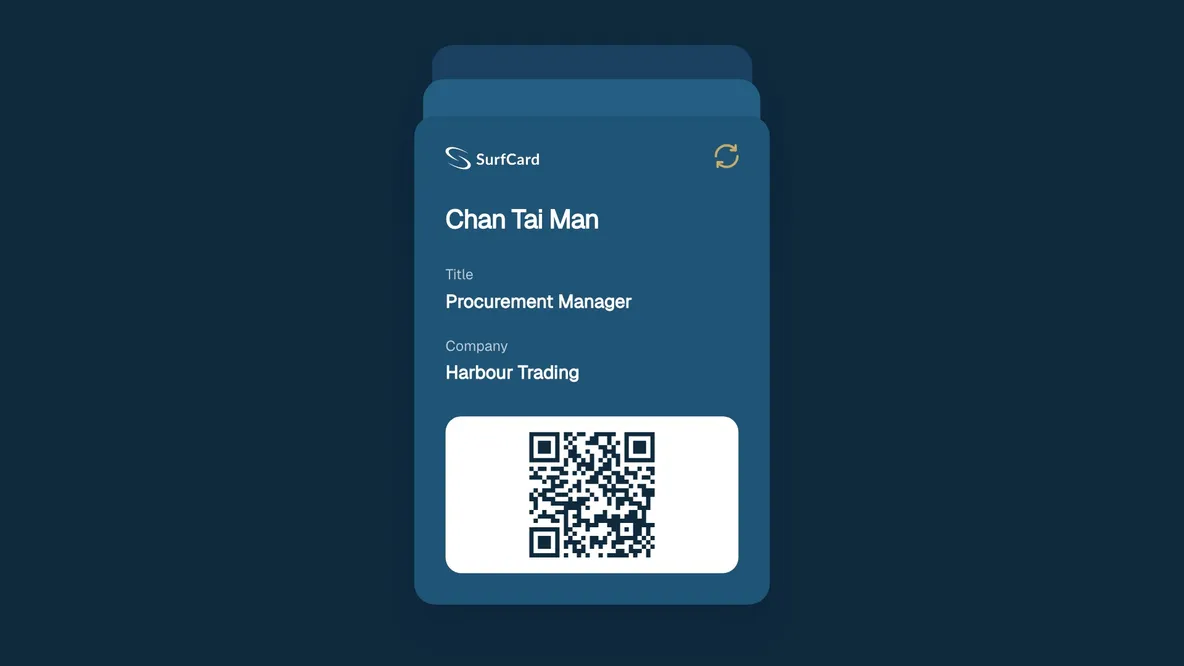
Update your profile and wallet pass
Apple Wallet and Google Wallet.
Add a live profile pass or a separate offline contact pass to Apple Wallet on iPhone or Google Wallet on Android. Both are included on every plan.

On iPhone

On Android

Prefer to share with a tap?
Add a reusable NFC card linked to the same profile. Choose the matte black Classic or a Signature printed with your own artwork, both made in Hong Kong.
NFC Cards
Add your card to your wallet.
Publish your profile and add a pass. Open its QR code whenever you want to share.
- Update your profile and wallet pass
- Choose live sharing or an offline contact
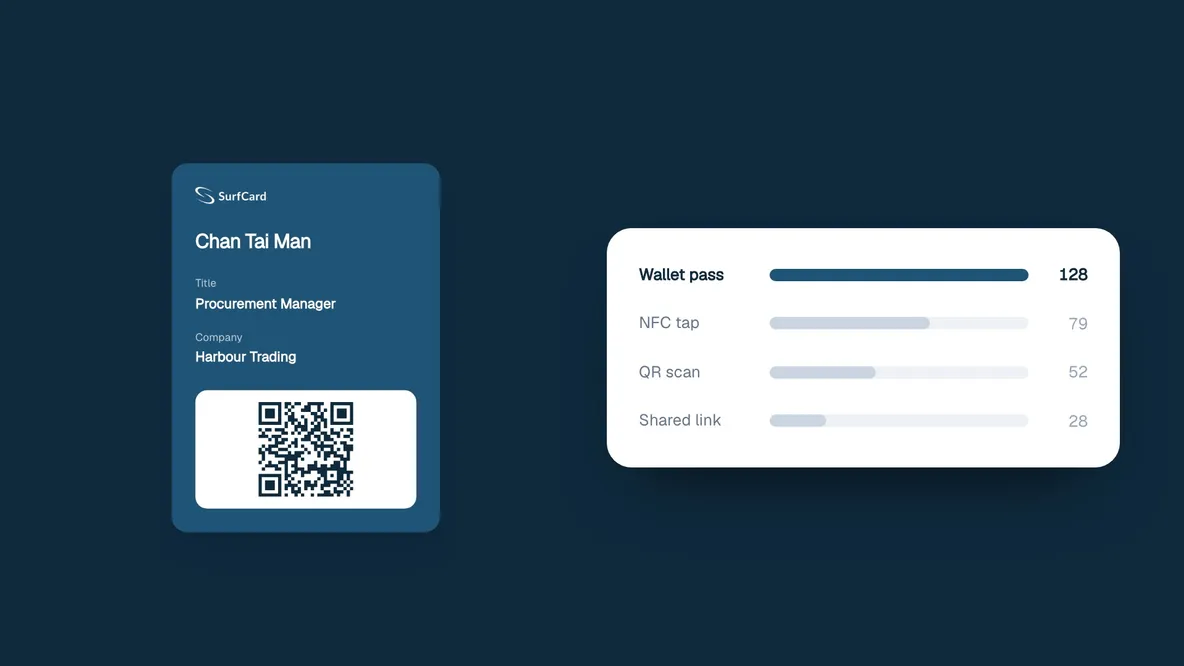
- See visits from your live pass
Common questions
Do I need an app for this?
You need Apple Wallet or Google Wallet to store the pass, but no SurfCard app. Recipients can open a live-pass QR in their browser; an offline vCard QR needs a compatible scanner.
What happens when my job title changes?
Edit your profile and SurfCard sends the update to your wallet pass. Your phone needs a connection to receive it. Contact details someone has already saved do not update automatically.
Can I share without an internet connection?
Yes — add the separate offline pass while connected. Its QR contains your contact details as a vCard, which a compatible scanner can read without internet. The live pass opens your web profile and needs a connection; only live-pass visits appear in analytics.
Which phones can add it?
A compatible iPhone with Apple Wallet or an Android phone with Google Wallet can add the pass.

A network for every professional
Your card, in the wallet you already carry.
Add your card to your wallet.