
A card they’ll remember. A tap they’ll keep.
A reusable NFC card, made in Hong Kong. Tap a compatible phone to open your profile. Choose the matte black Classic or a Signature printed with your own artwork.
Your details will change. Your card won’t have to.
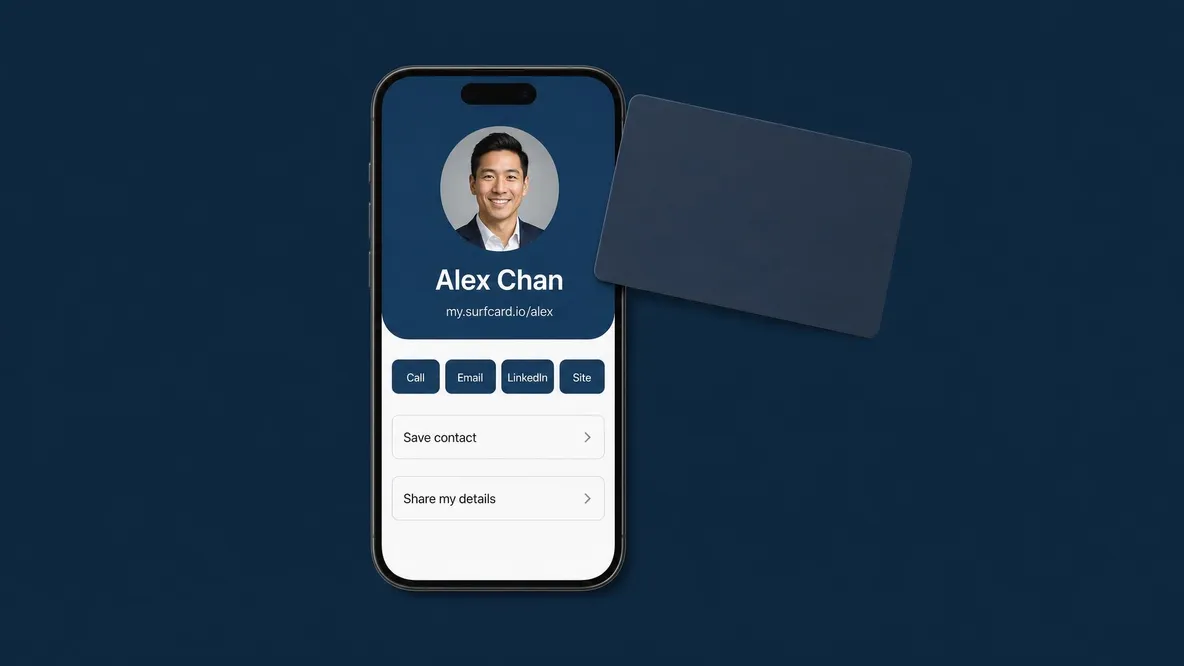
Your NFC card links to your profile. Update the page and the next person who taps sees the new details. A changed number or job title does not mean replacing the card.

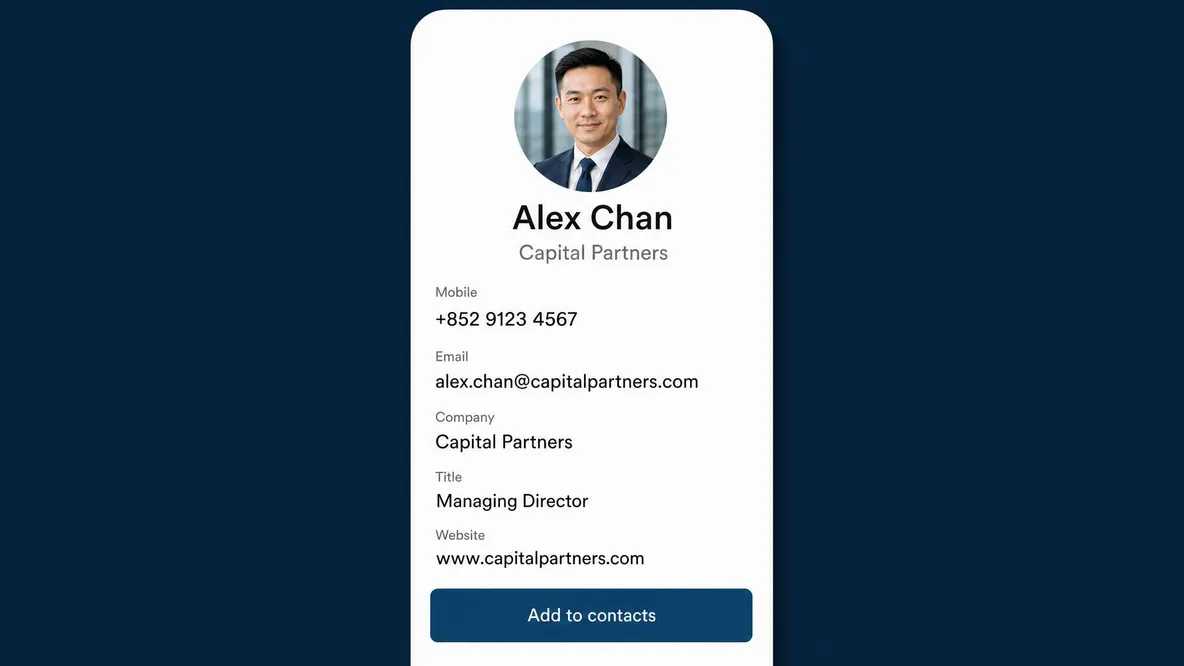
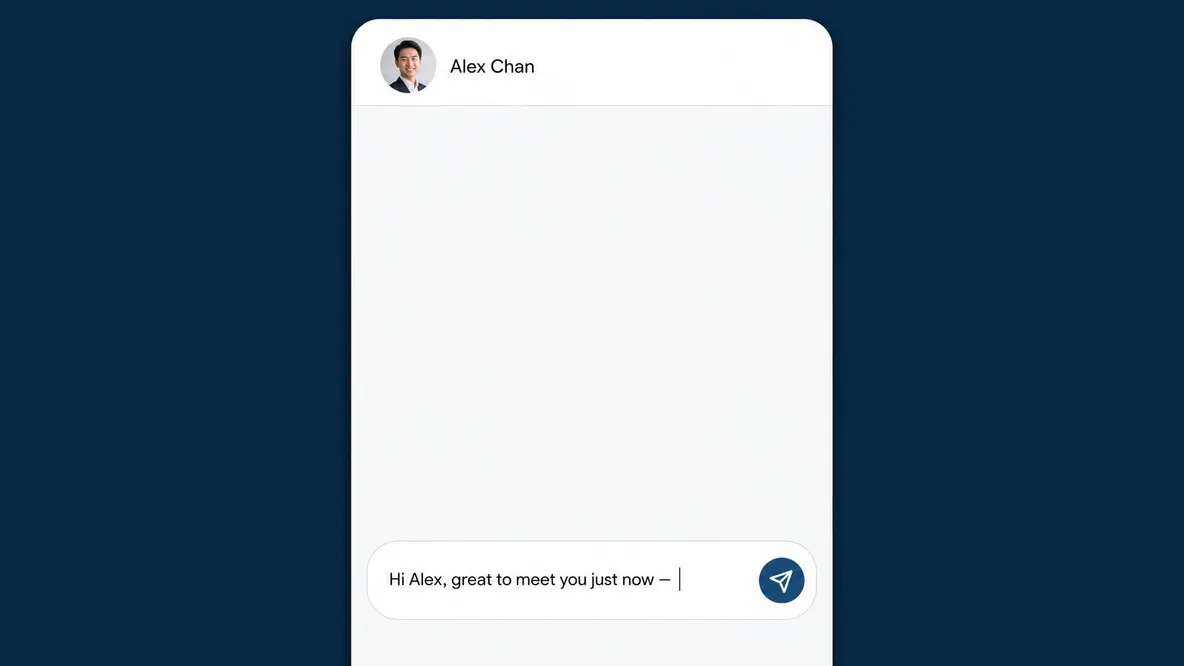
Choose what a tap opens.
Change the tap action in your card settings whenever you need to.
Open your profile
Made by us, in Hong Kong.
We print, prepare and check every card in-house in Hong Kong. Choose the Classic house design or order a Signature with your own artwork and logo.

Manage the card’s link to your profile.
Lost a card? Unlink or disable it, then link a replacement to your profile. A company can reuse returned NFC hardware by linking it to a successor’s own profile.
Digital ProfilesActivate it. Link your profile. Share.
Sign in to SurfCard, follow the activation steps and choose the profile to link. Keep the private activation code supplied with your card for code-based activation.
Buy nowCommon questions
Does the person I tap need an app?
No SurfCard app is needed. On a compatible phone, a tap opens your chosen profile, vCard download or WhatsApp conversation. The recipient chooses whether to save your details or send a message.
What happens when I change jobs or numbers?
Update your profile. Future visits through your linked NFC card, QR or shared link show the new details. Contacts already saved to someone’s phone do not update automatically.
What if I lose my card?
Unlink or disable the lost card so it no longer opens your profile, then link a replacement. This does not remove contact details someone has already saved.
How do I buy one?
Straight from the shop. The Classic ships from stock in the SurfCard house design; the Signature is custom-printed both sides from your own artwork — both to Hong Kong, Macau and Taiwan.

A network for every professional