
See how people use your card.
Views, taps, QR scans, link clicks, saves — your card reports back.
What happens after you share?
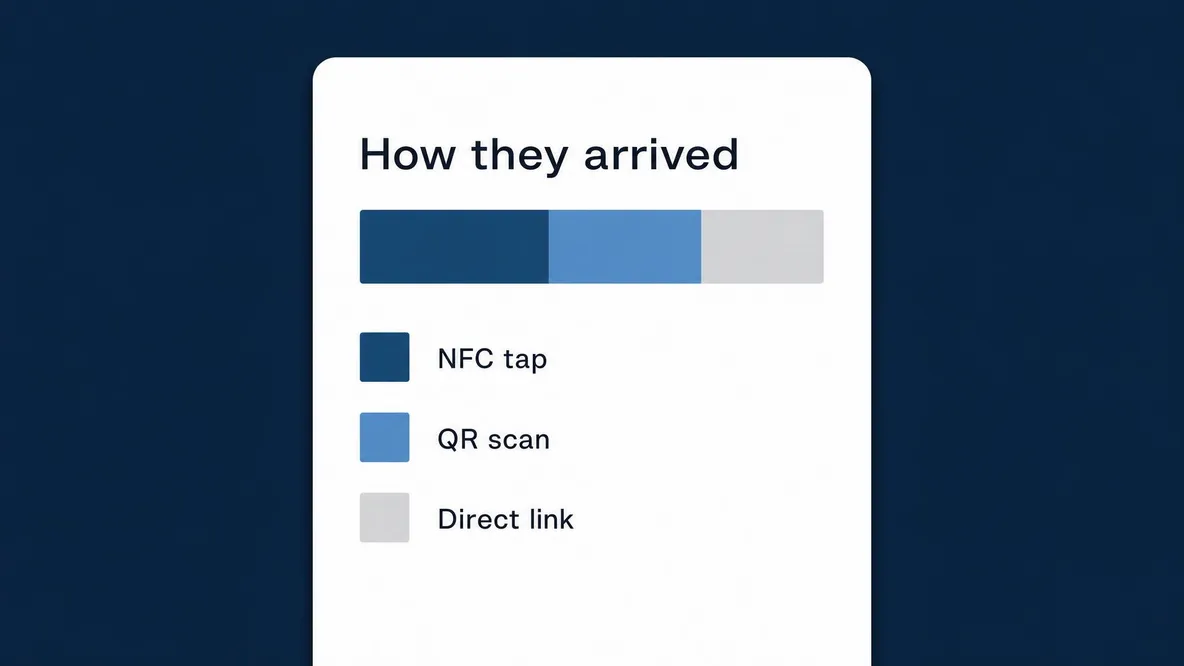
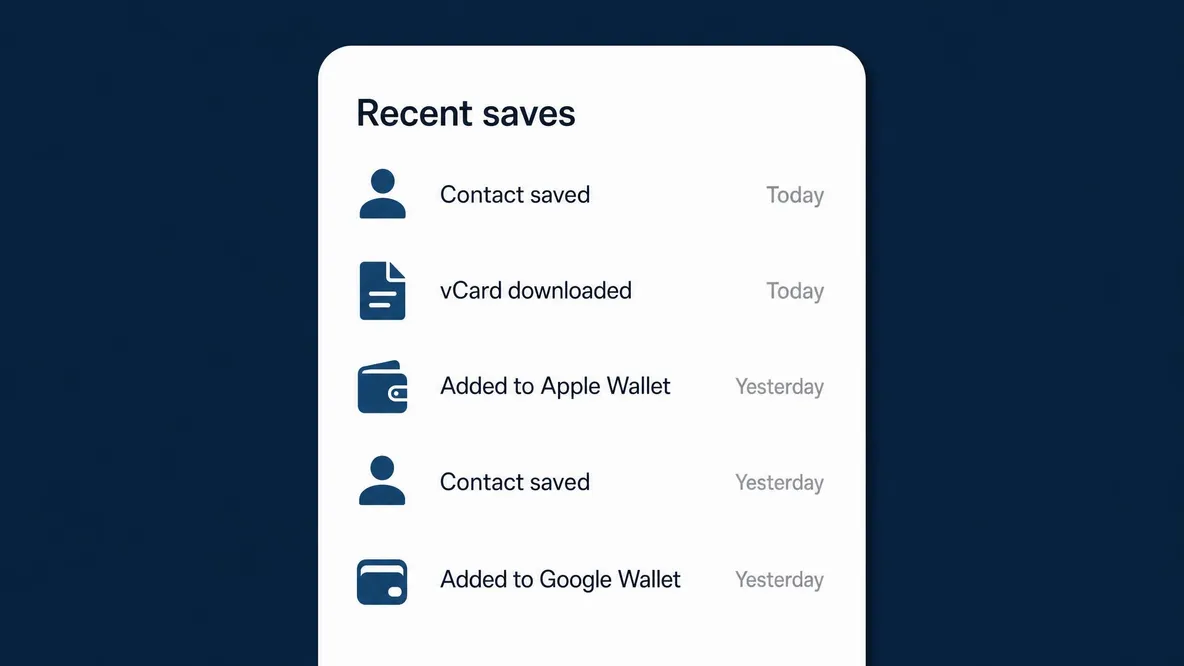
See when people open your profile, follow a link or save your details. Compare activity across dates to understand how your card is being used.

Views, taps, clicks and saves.
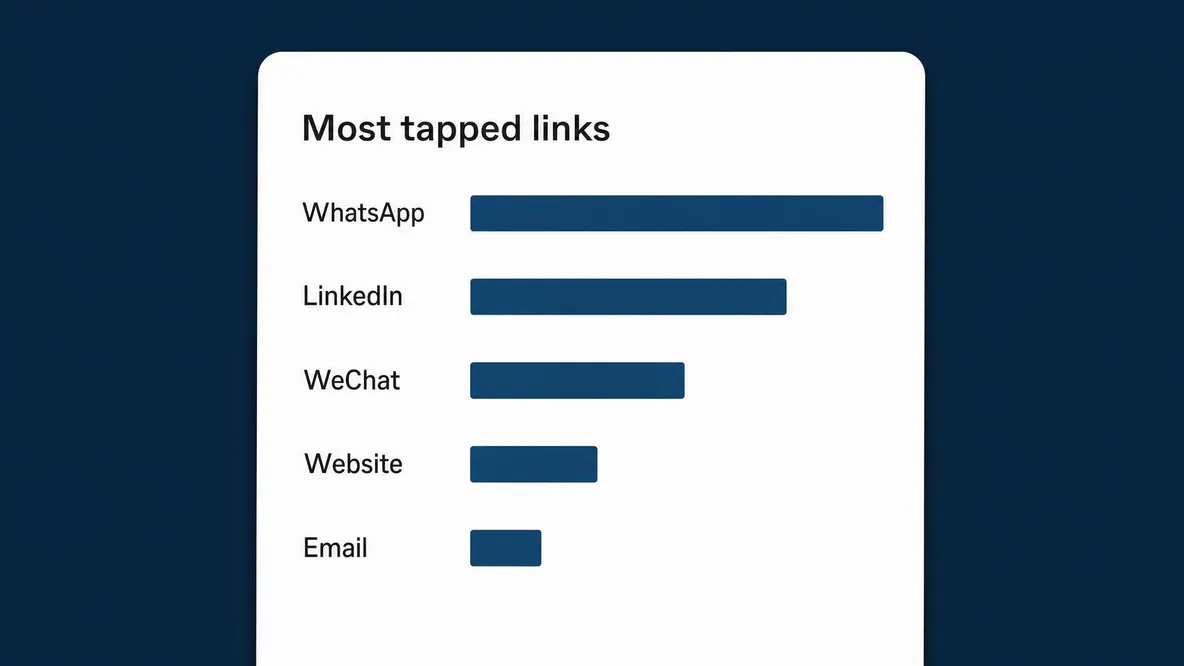
See which links visitors use and compare your card’s activity across dates.
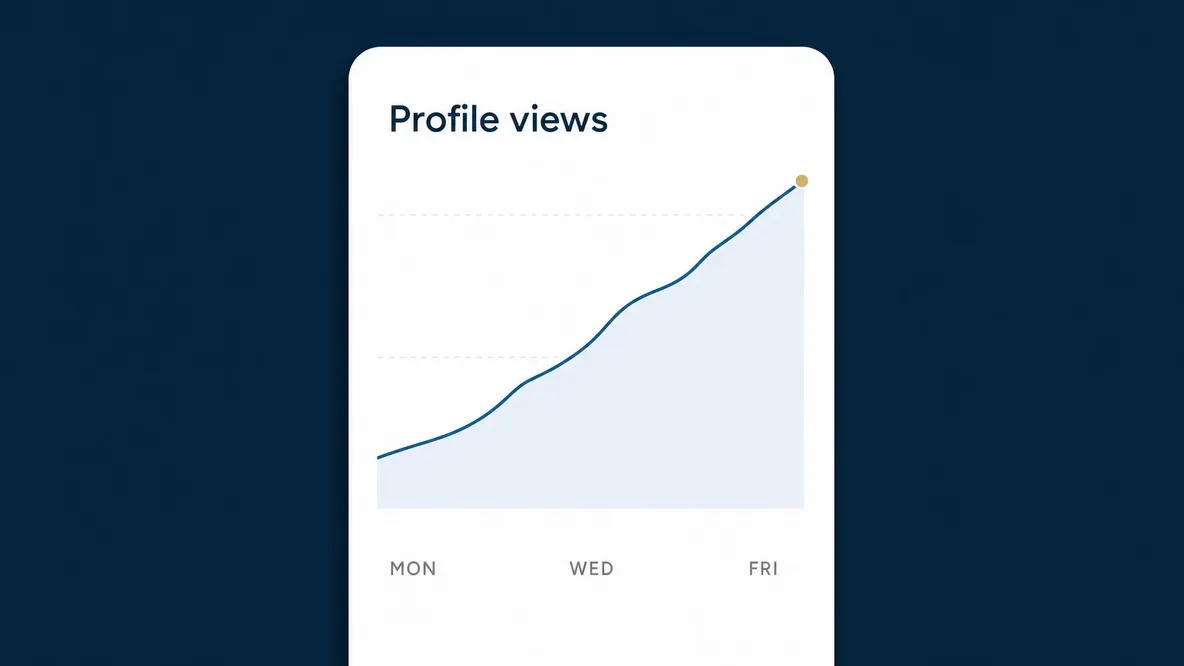
Profile views
Views and daily visitors, counted separately.
Known bots are filtered out. Daily visitor estimates group repeat views using browser and network information; they do not identify individual people.
See visits from your wallet pass.
Visits through a live Apple Wallet or Google Wallet pass are labelled with a wallet source. Offline contact-pass scans do not reach the website and are not counted.
Wallet PassesHow far back it goes.
View daily history for the period included in your plan: thirty days on Lite or two years on Pro.
- Lite
- 30 days
- Pro
- 2 years
Common questions
How do you count a visitor?
Views count page openings. Daily visitor estimates group views using the browser, network address and date, stored as a one-way hash. They are estimates: a change of browser or network can count separately. A return visit on another day counts again.
Is a tap the same as a view?
No. A visit through an NFC card’s tap link is recorded separately from a profile-page view. A card set to download a vCard or open WhatsApp may never open the profile page.
Can you tell me who visited?
No. You see counts, the links visitors used and how they reached your profile. The report does not show visitors’ names or track their location.
How far back does the history go?
Thirty days on Lite, and two years on Pro.

A network for every professional
See how people use your card.
Views and daily visitors, counted separately.