
Share your card. Keep their details.
Create a digital business card, scan the paper cards you receive and organise your contacts in SurfCard.
Works with what you already use
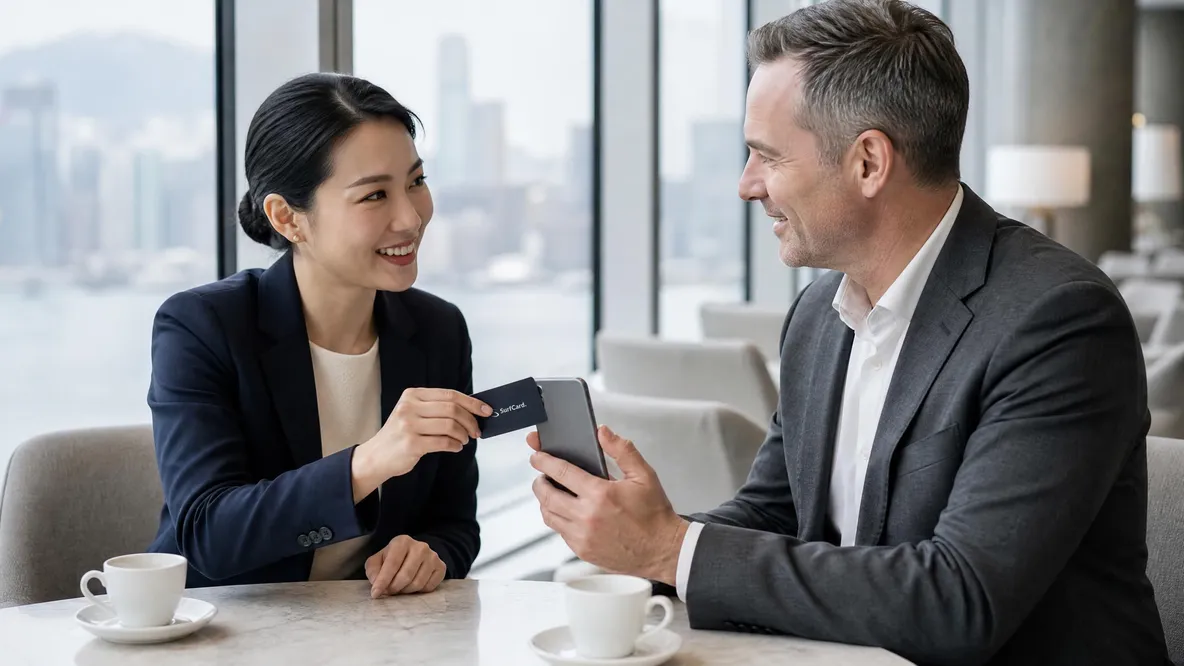
Send your profile link in a message or email. For an in-person exchange, set your NFC card to open your profile, offer a vCard download or open a WhatsApp conversation.
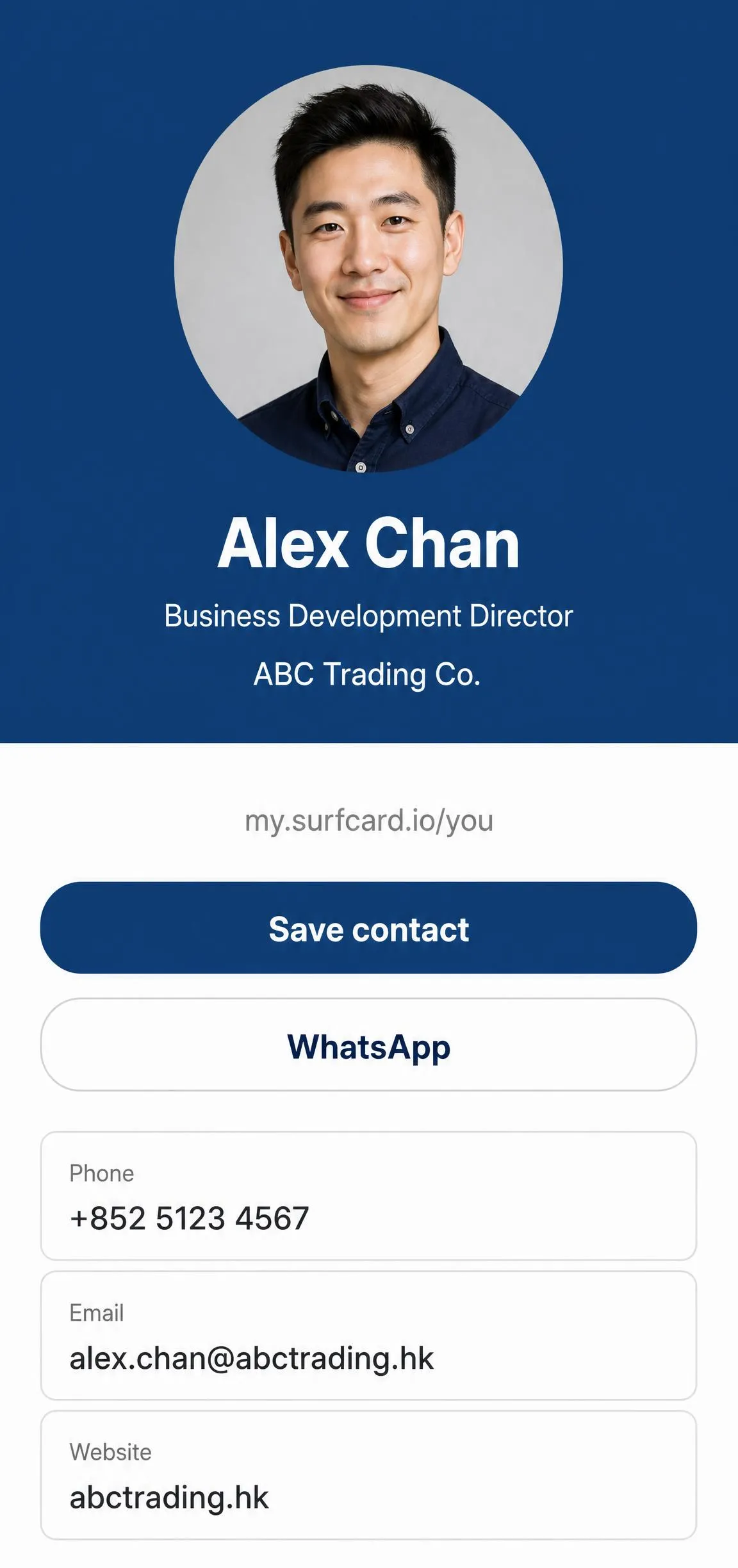
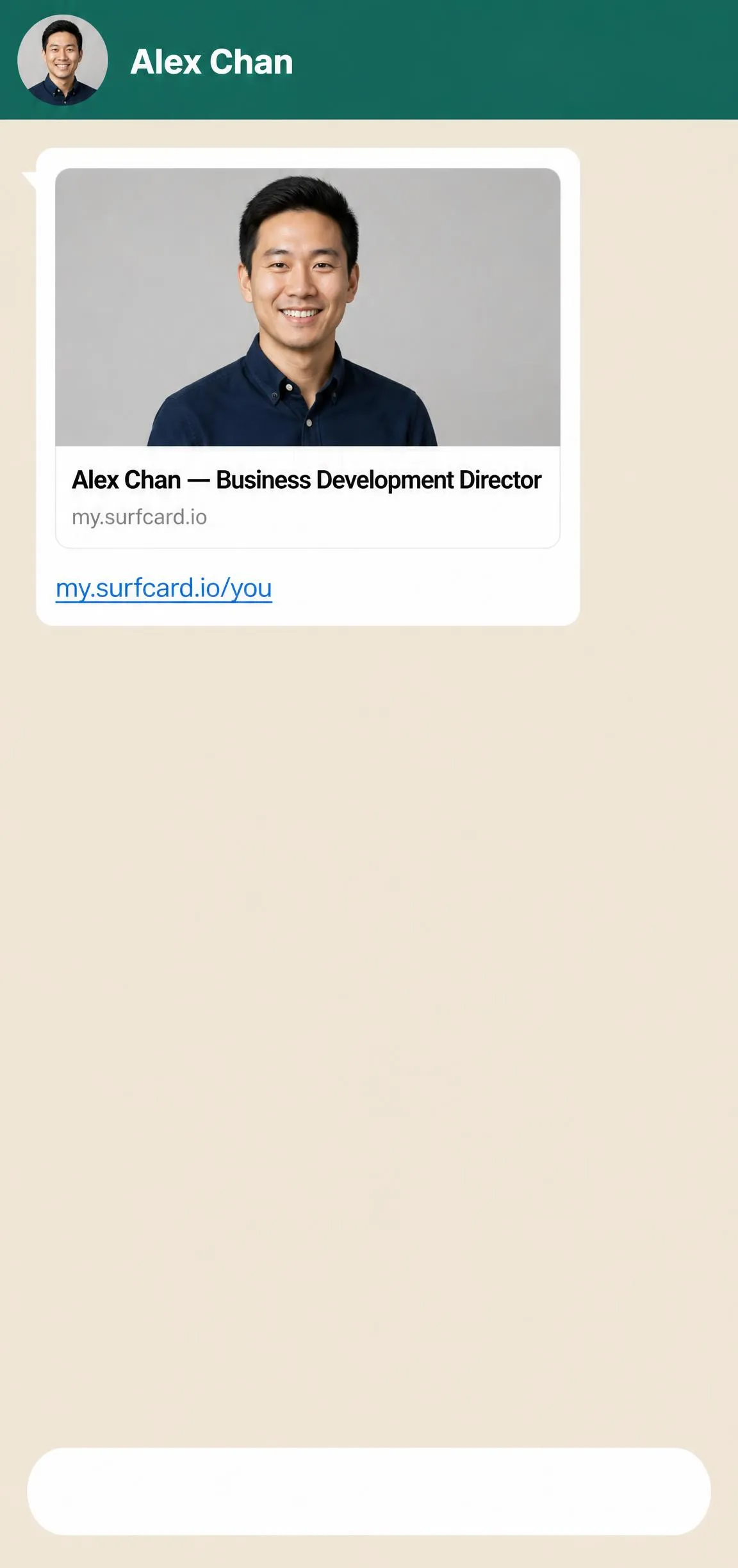
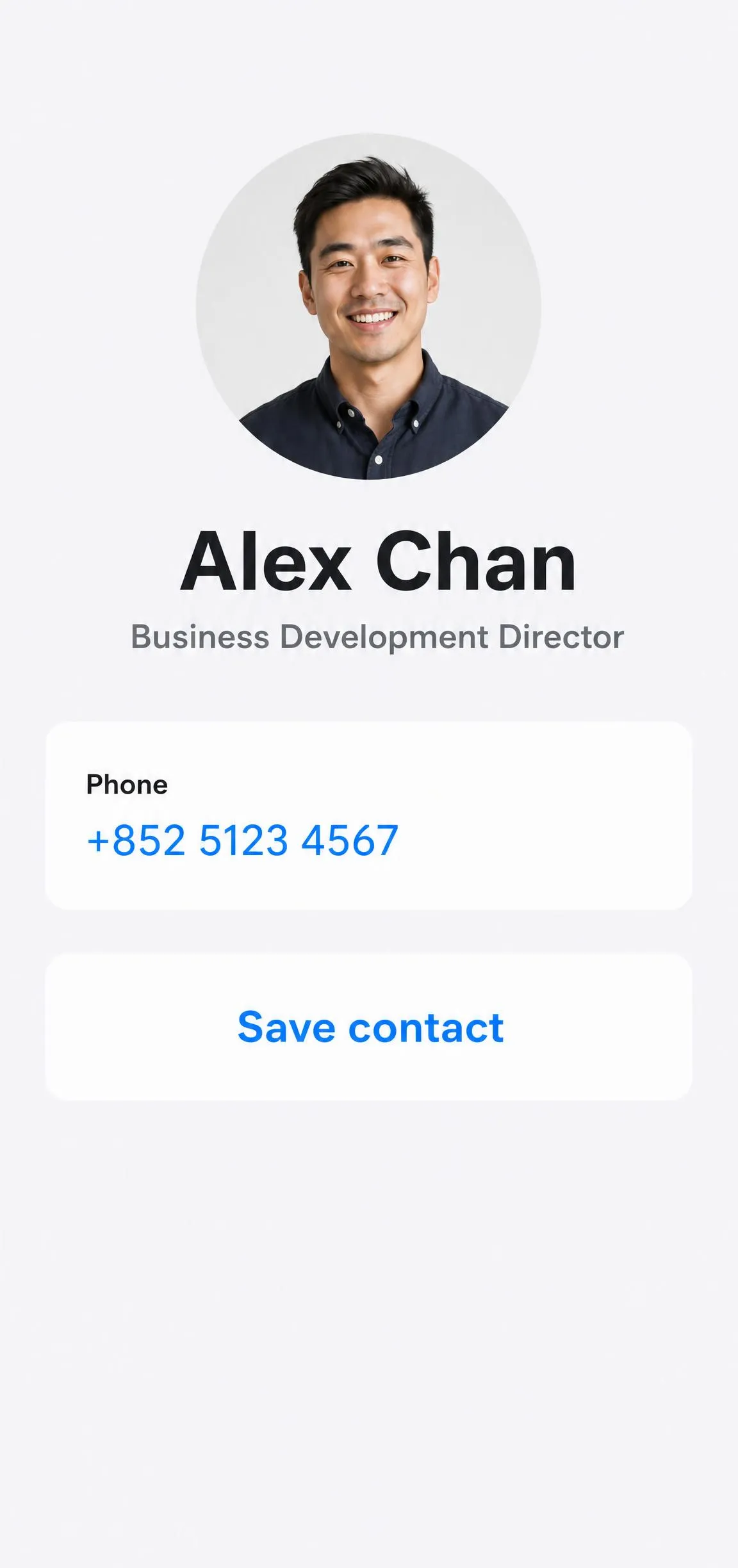
From your first card to your next meeting.



Publish your profile
Explore the tools.
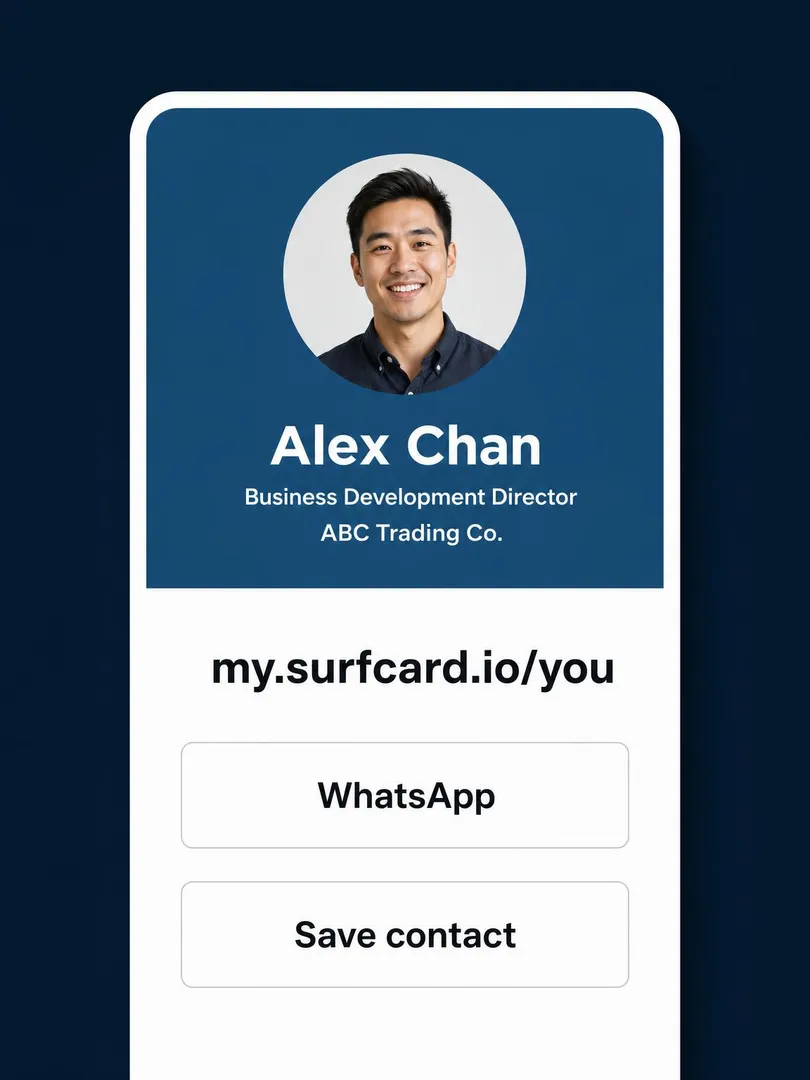
Digital Profiles
Your details, links and work on one page.
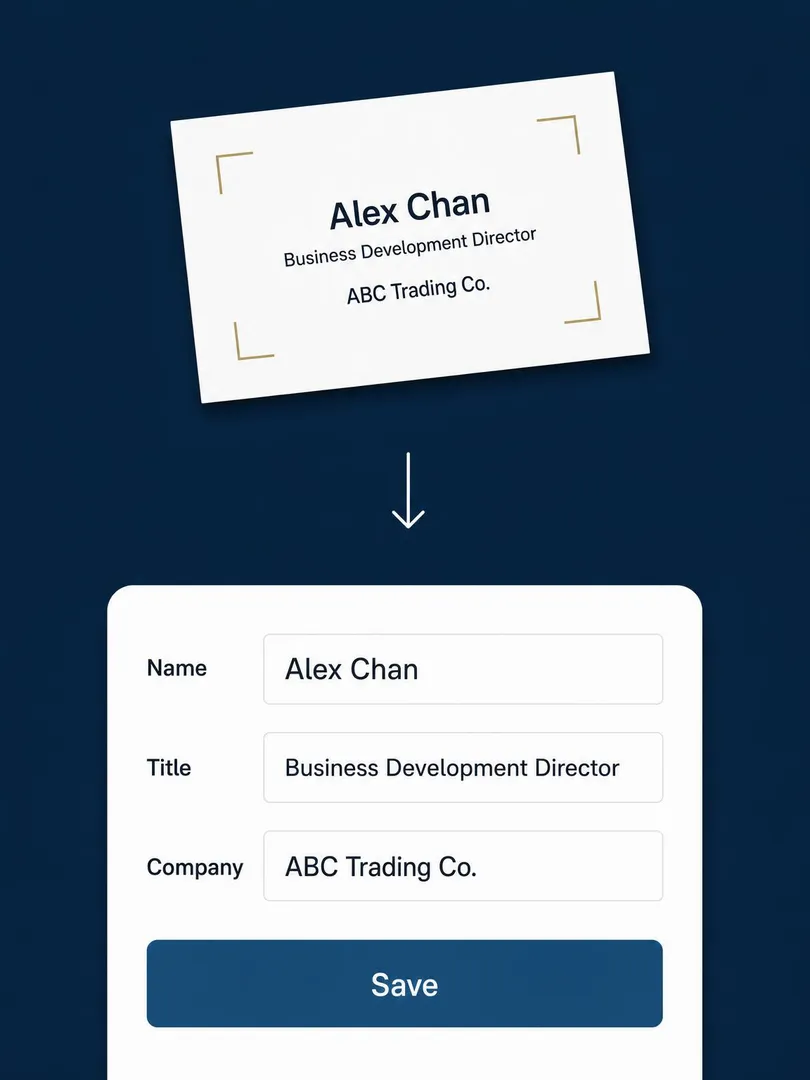
Card Scanning
Photograph a paper card, review it and save.
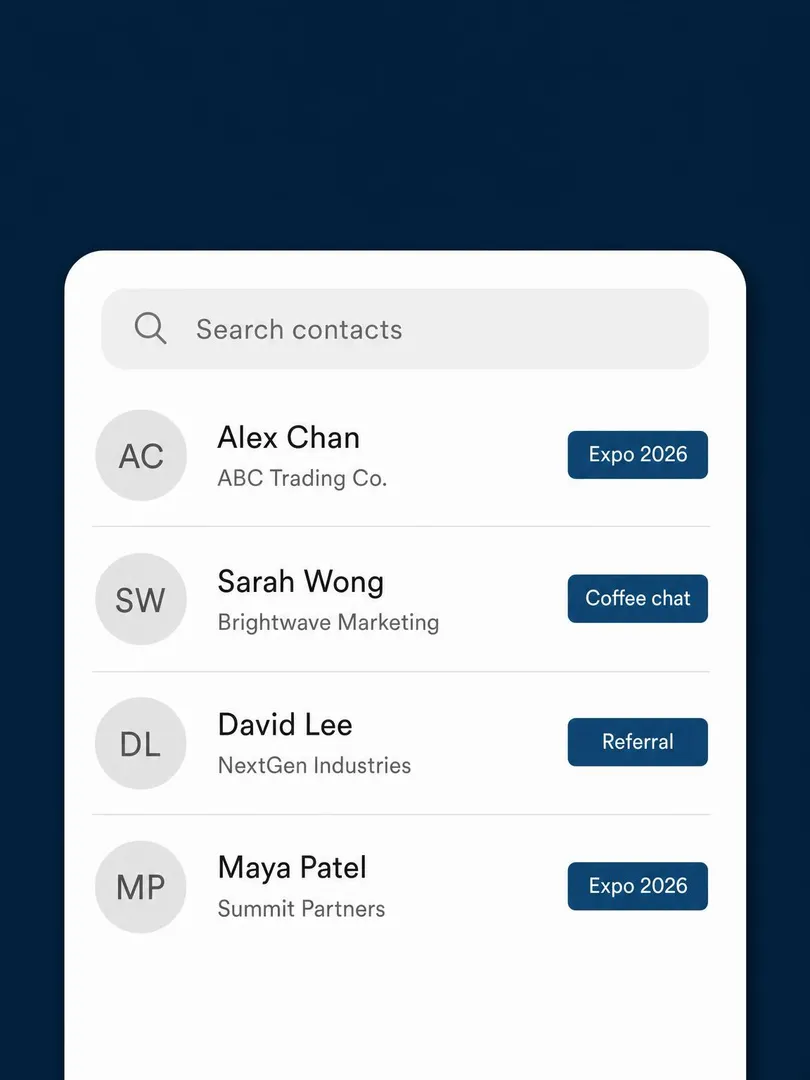
Contact Hub
Keep contacts, notes and meeting details together.
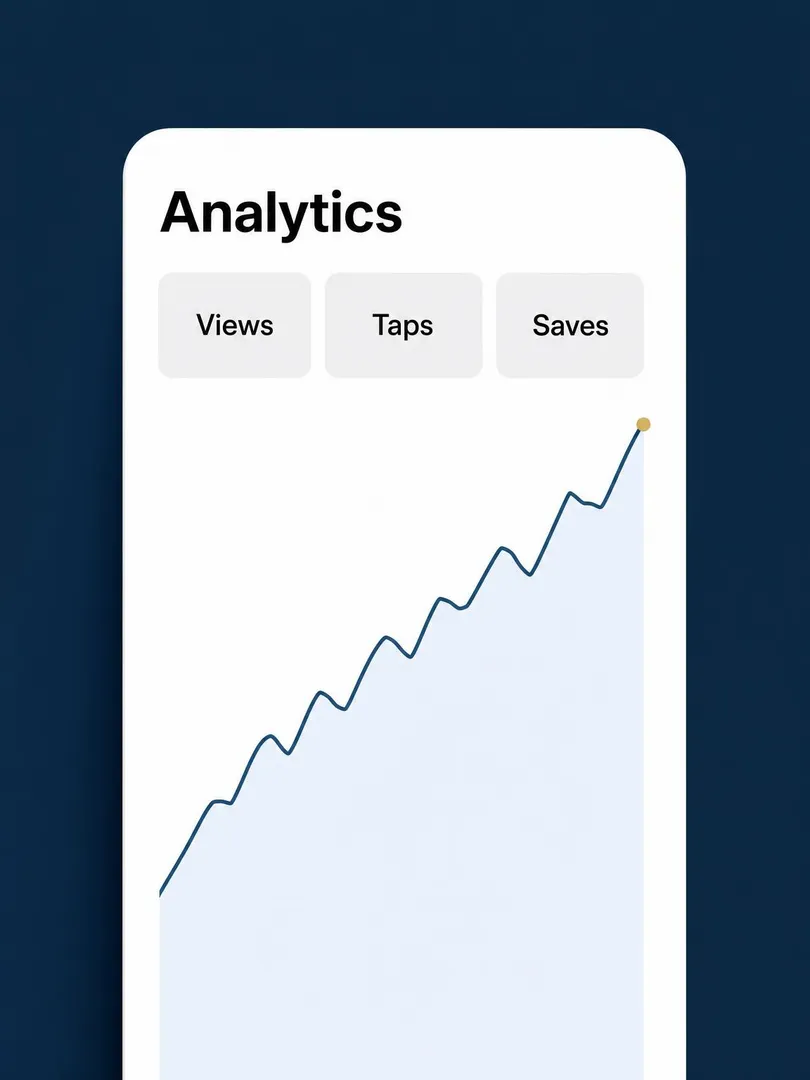
Analytics
See profile views, clicks and saves.
Wallet Passes
Share your card from your phone’s wallet.
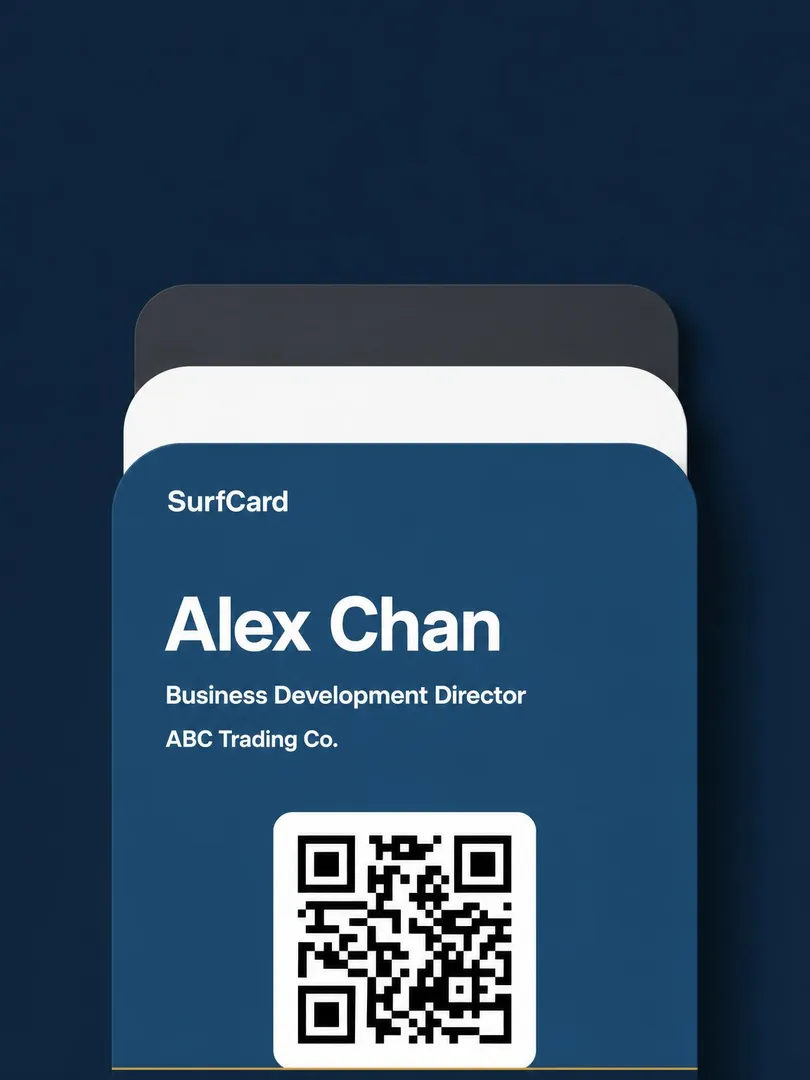
NFC Cards
Tap a compatible phone to share your profile.
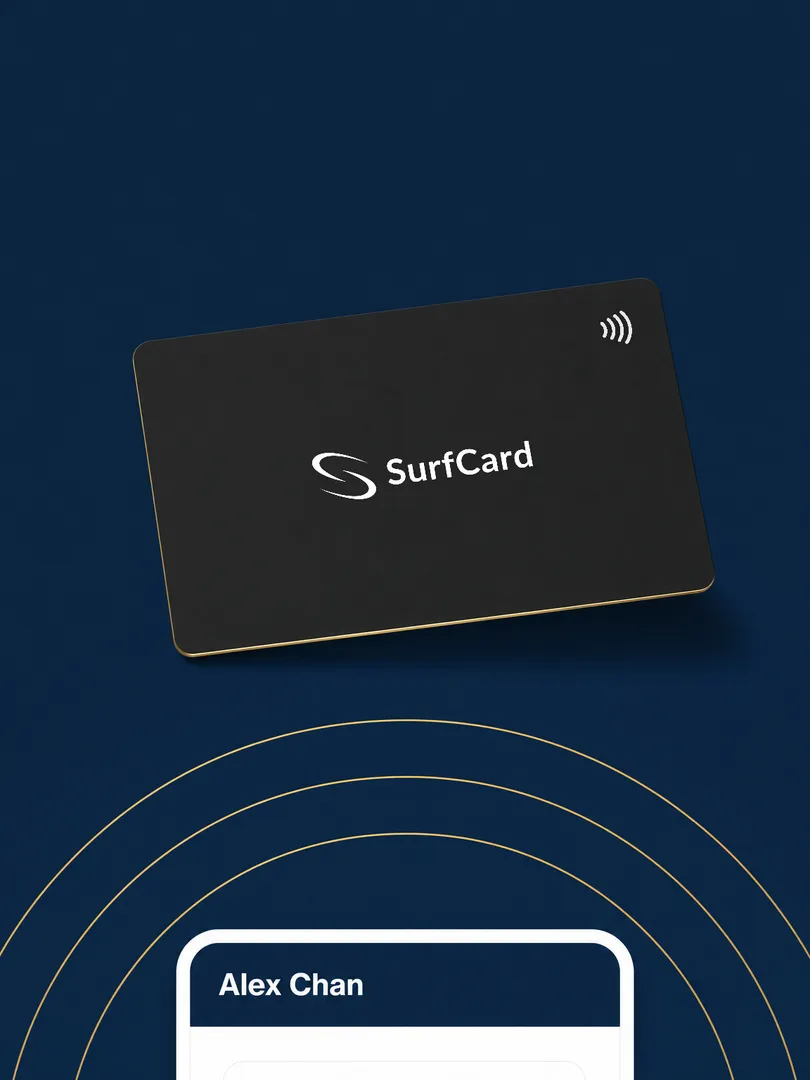
Your details, links and work on one page.
Choose a handle and layout, then add your details in English and Chinese. Share your published profile by link, QR code or a linked NFC card.
Digital ProfilesFrequently asked questions
What is a digital business card?
A web profile that carries what a paper card carries — name, title, company, contact details — plus what paper can’t: live updates, two languages, links, and analytics. You share it with a tap of an NFC card, a QR code, or a link.
Do the people I meet need SurfCard?
No SurfCard app or account is needed to view your profile. The recipient opens it in their browser and can download a vCard to save your details.
Do I need to buy a card?
No. You can create a free profile, share by QR or link, scan paper cards and manage contacts without buying hardware. An optional NFC card lets you share by tapping a compatible phone.
Is there a mobile app?
SurfCard works fully in your mobile browser today. iOS and Android apps are coming soon.
