
Tap to share. Snap to save.Take every connection further.

Keep the details after the introduction.
You leave a meeting with a business card and a conversation to follow up on. SurfCard helps you save the details and remember where you met.

1
Tap to share
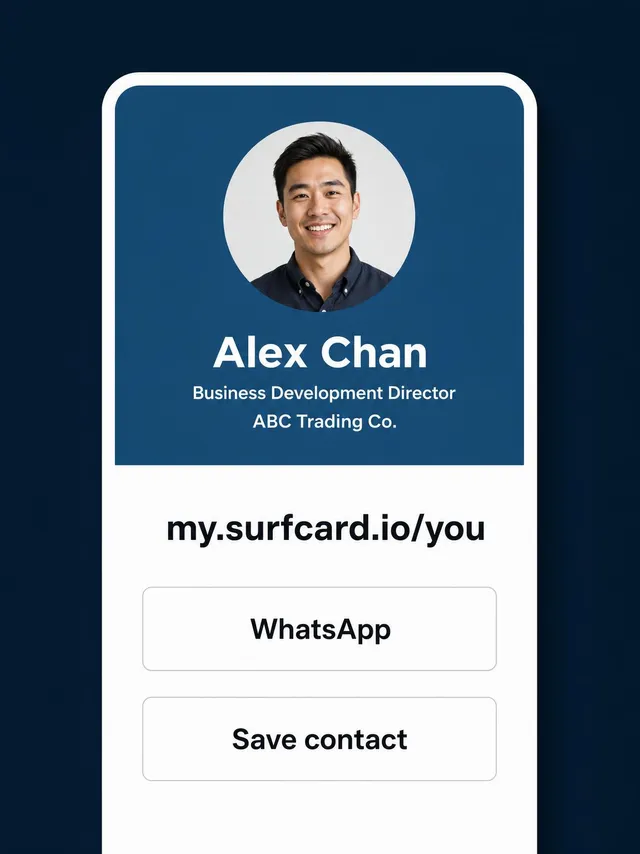
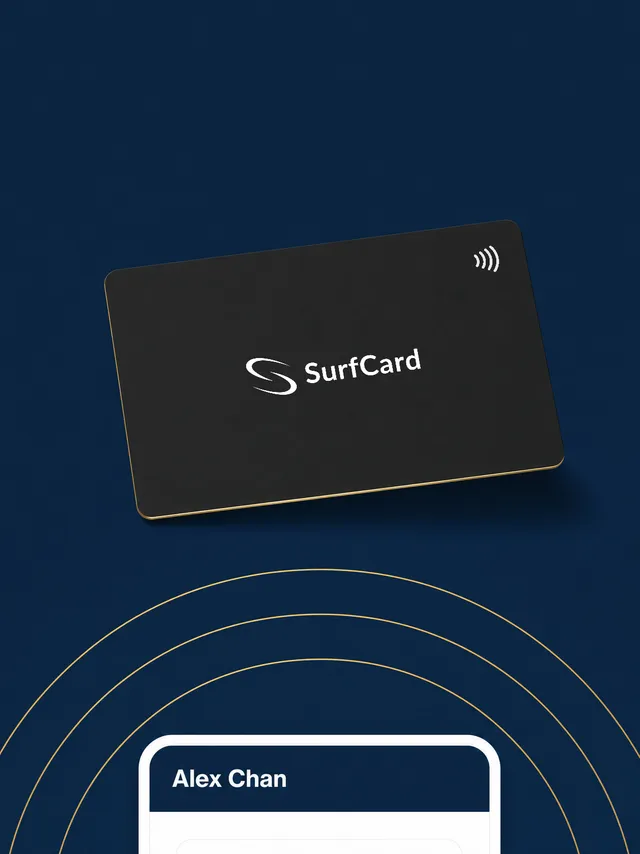
Share your live profile by QR, link or an NFC tap. Keep a live or offline pass in your phone’s wallet, and add your profile to your email signature. Visitors need no SurfCard app.
2
Snap to save
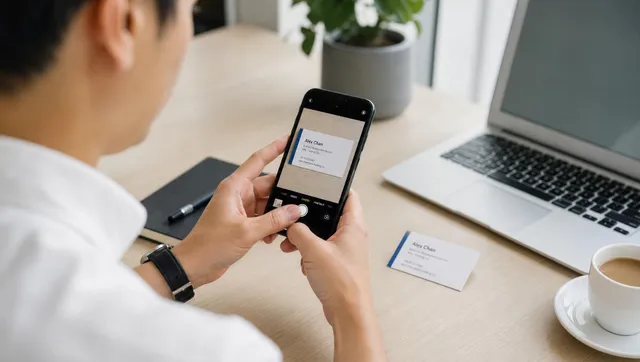
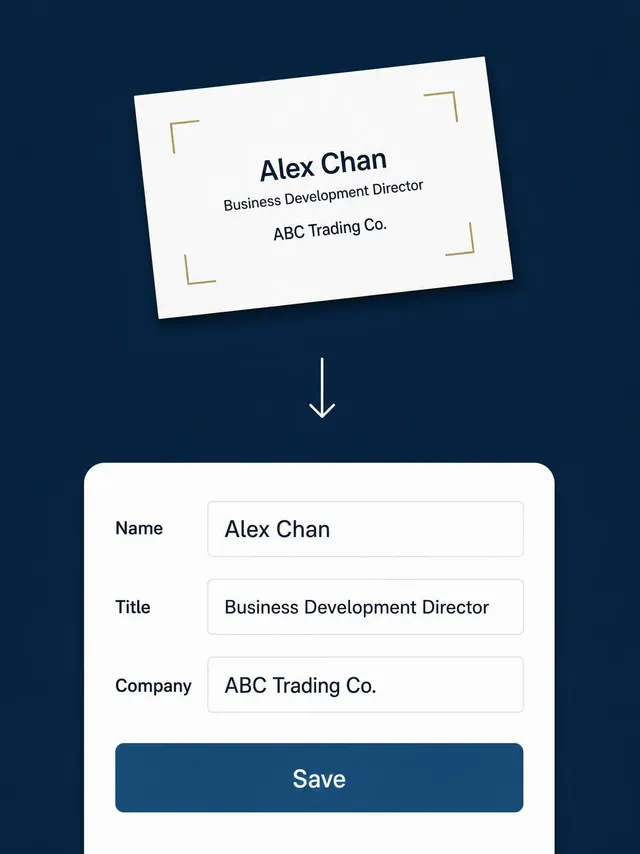
Handed a paper card? Photograph it. SurfCard’s AI reads English and Chinese — even both on one card — drafts the contact, and you approve it before it saves.

3
Stay in touch
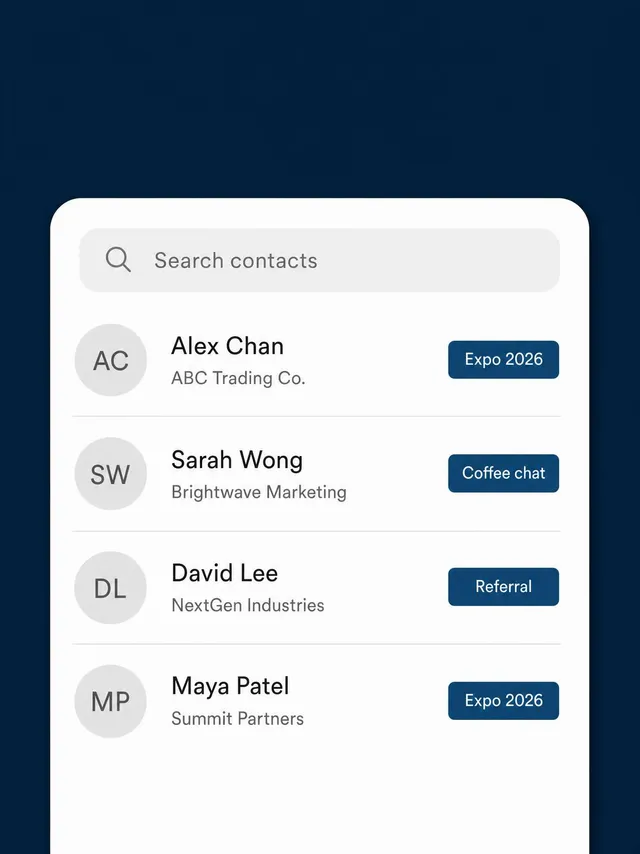
Keep contacts, notes, tags and meeting details together. Pro adds CSV import and export; teams can use a separate company contact book. Your shared profile stays current whenever you edit it.

New details. The same link.
Changed your number, role or company? Edit your profile. The next time someone opens your link, scans your QR or taps your linked NFC card, they see the updated page. Contacts already downloaded to a phone remain saved copies.
They can open it in their browser.
Share a link, show your QR code or tap your card on a compatible NFC phone. The recipient can view your profile and choose to save your contact details. They need no SurfCard account or app to view the page.

One brand on every card. Contacts that stay with the company.
Manage company profiles, custom roles, shared contacts and pooled scans in one workspace. Track team activity and keep company-captured contacts when staff leave.

See it live.
Open a real SurfCard profile, or scan the QR with your phone to see what someone receives when you share yours.

Designed and manufactured in Hong Kong.
We make every card in-house.

A network for every professional
Your next introduction starts here.Create your free profile.
Free stays free. No card required.